Let me be straight with you. I have reviewed a lot of smart door locks over the years, including
cheap ones, expensive ones and everything in between. Most of them do one or two things well
and mess up the rest. But every once in a while, a product comes along that just makes sense
from start to finish.
The Digital Panel Lever Lock Model 6510 is one of those products.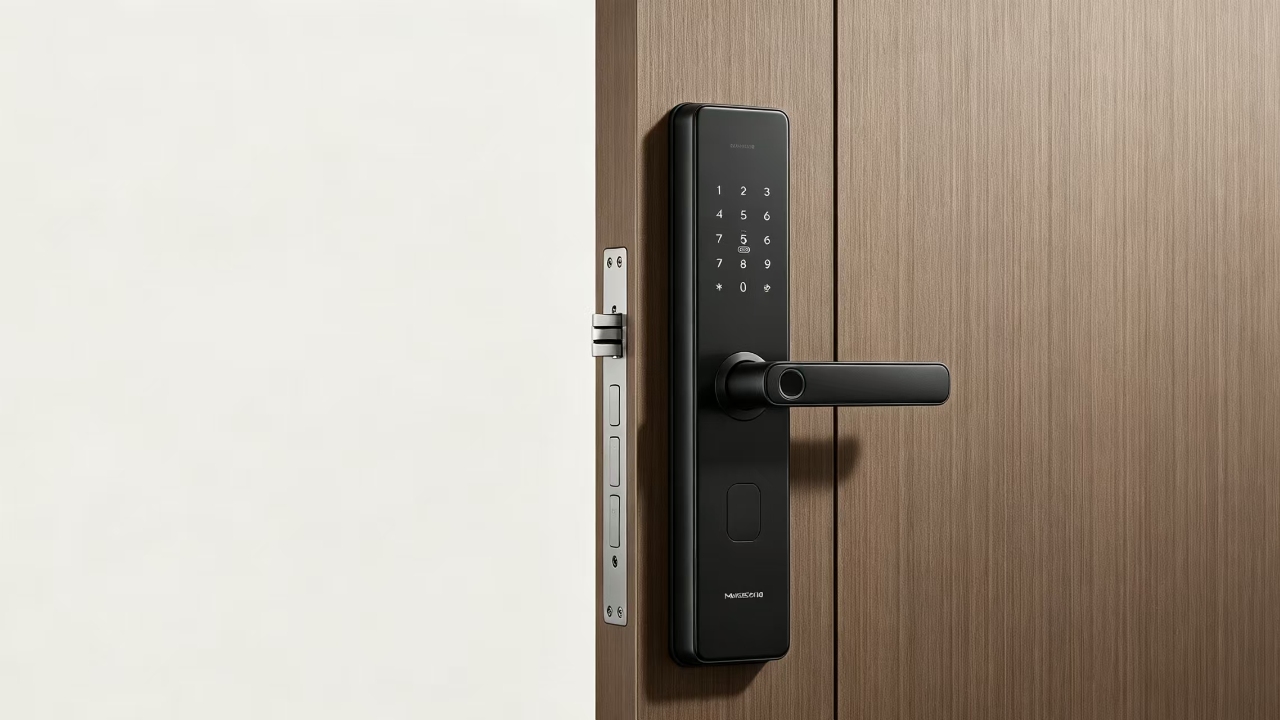
It is not trying to be flashy. It does not come with a dozen features you will never use. What it
gives you is a solid, well-built smart lock for home that unlocks in under a second, works six
different ways, looks great on any door, and does not drain its batteries every two weeks.
If you are thinking about switching to a keyless entry door lock, whether for your home, apartment,
office, or even a school, this review will give you everything you need to know before you buy.
Why Are People Moving Away from Traditional Keys in
2026?
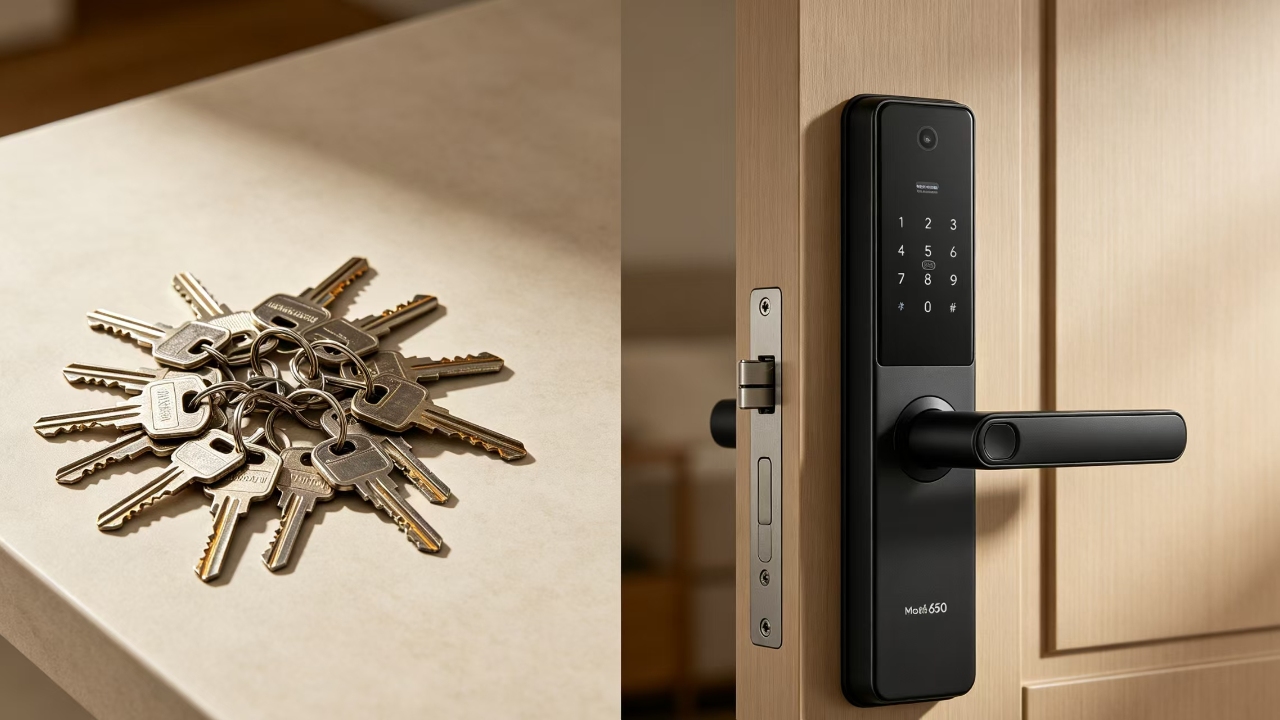
Think about the last time you lost your keys. Or the time you had to make a copy for a new tenant,
a housekeeper, or a family member visiting from out of town. Keys are convenient until they are
not.
A fingerprint door lock changes all of that. You stop worrying about who has a copy of your key.
You stop getting locked out because you forgot your keys inside. And if you run an office or
manage rental properties, you can add or remove access for people in minutes, no locksmith
needed.The smart lock for home market is growing fast, and for good reason. People want security that
works with their lifestyle, not against it. The Model 6510 was built with exactly that in mind.
Model 6510 at a Glance: What You Are Getting
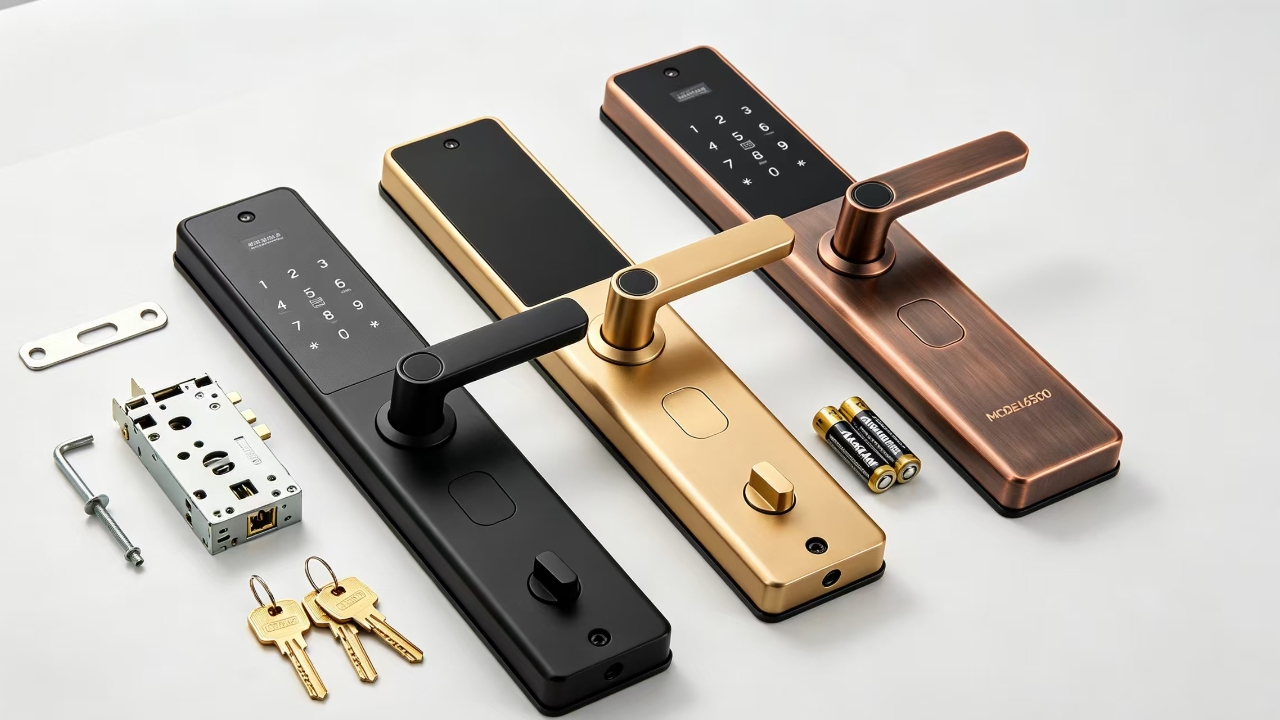
Before we get into the details, here is a quick look at the main specifications. I want you to see
the numbers first so the rest of the review makes more sense.
| Body Material | Special Steel |
| Fingerprint Users | Up to 50 |
| Password Users | 1 Master + 300 Normal Users |
| Password Length | 6 Digits |
| Keys Included | 2 Brass Mechanical Keys |
| Unlock Speed | 0.05 Seconds or Less |
| Battery Type | 4 x AA Alkaline |
| Backup Power | Type-C USB Port |
| Low Battery Alert | 4.6V – 4.8V |
| Working Voltage | 4.5V – 6.5V |
| Temperature Range | -20°C to 66°C |
| Humidity Range | 9% – 95% RH |
| Door Thickness | 35mm – 55mm (Custom Available) |
| Color Options | Black Matt / Dubai Gold / Antique Copper |
| Connectivity | BLE + WiFi (Tuya, Optional) |
Ways to Open Your Door – No More Depending on Just One Method
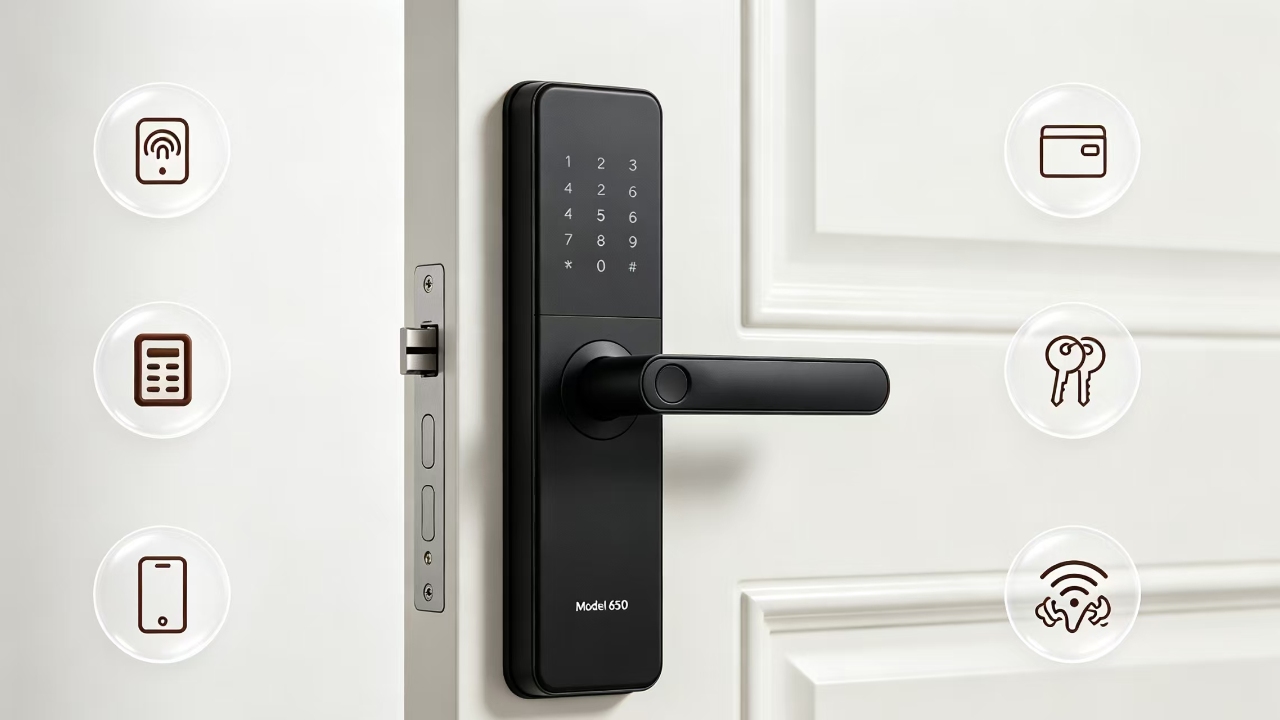
This is honestly one of my favourite things about the Model 6510. It gives you six different ways
to unlock your door. If one method does not work for some reason, you have five more options.
That kind of flexibility is rare at this price point.
1.Fingerprint – The Fastest Way In
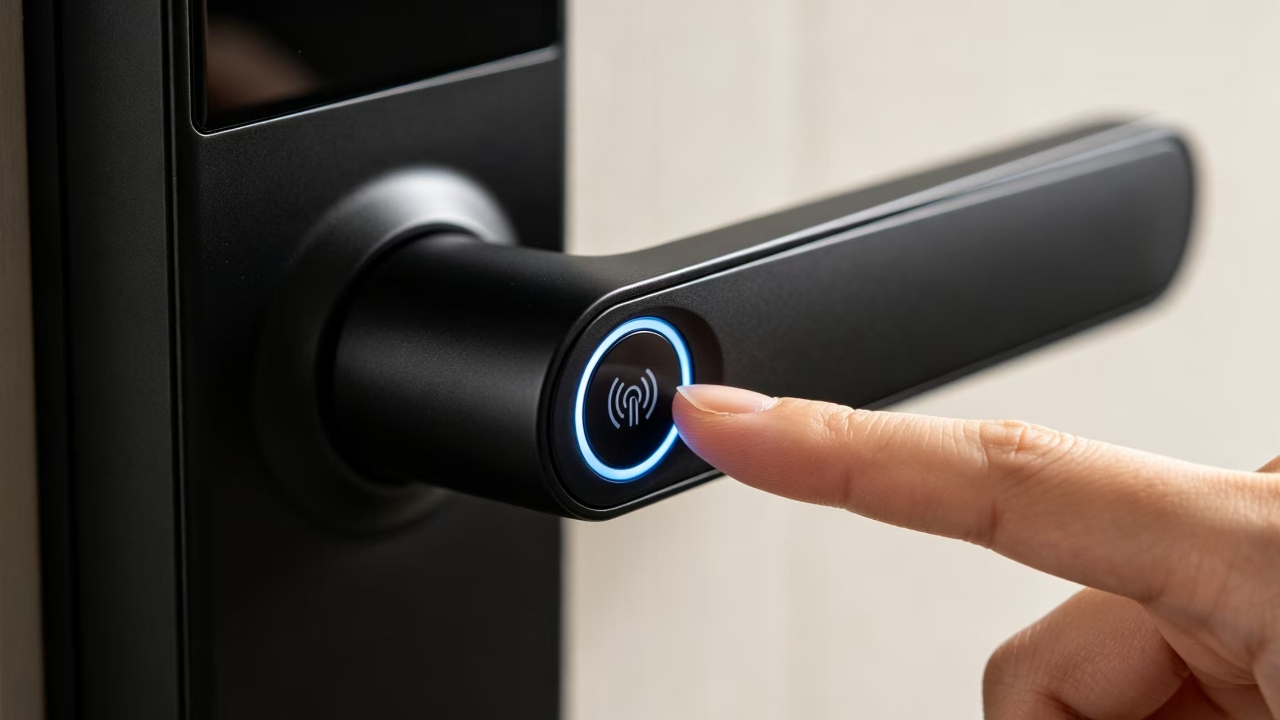
The fingerprint sensor on this lock is quick. We are talking 0.05 seconds, that is faster than
blinking. You touch the panel, and you are in. No waiting, no second attempts. You can store up
to 50 fingerprints, which is more than enough for a family home or a small office team.
And yes, it works on slightly wet or dirty fingers too. Not perfectly every time, but well enough that
it is not a daily frustration.
2.Password – 6-Digit Code with Full Admin Control
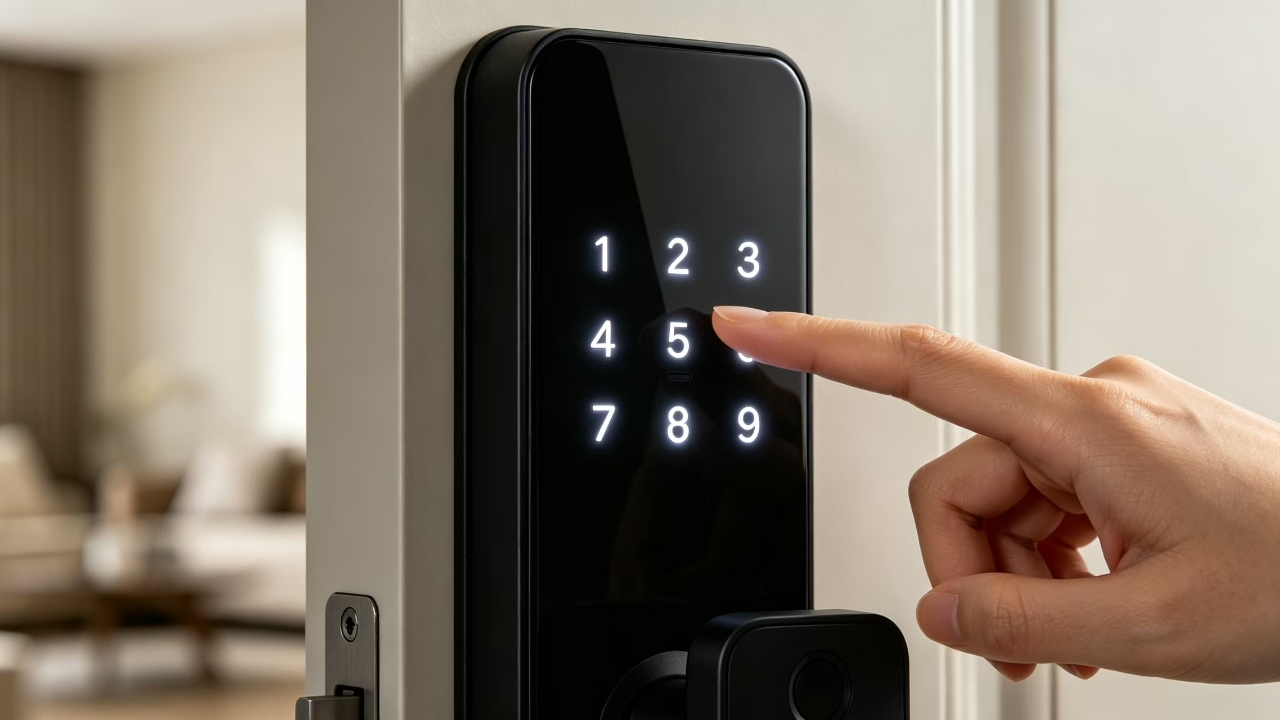
You get one master password and up to 300 regular user passwords. The master code is used
to manage everything, including adding new users, deleting old ones and changing settings.
Regular codes are for everyone else. Six digits is a good length because it is long enough to be
secure and short enough to remember without writing it down.
This feature is a game-changer if you manage a rental property or an office. A tenant moves out?
Delete their code from your phone in seconds. No changing locks. No calling a locksmith.
3.IC Card – Tap to Open
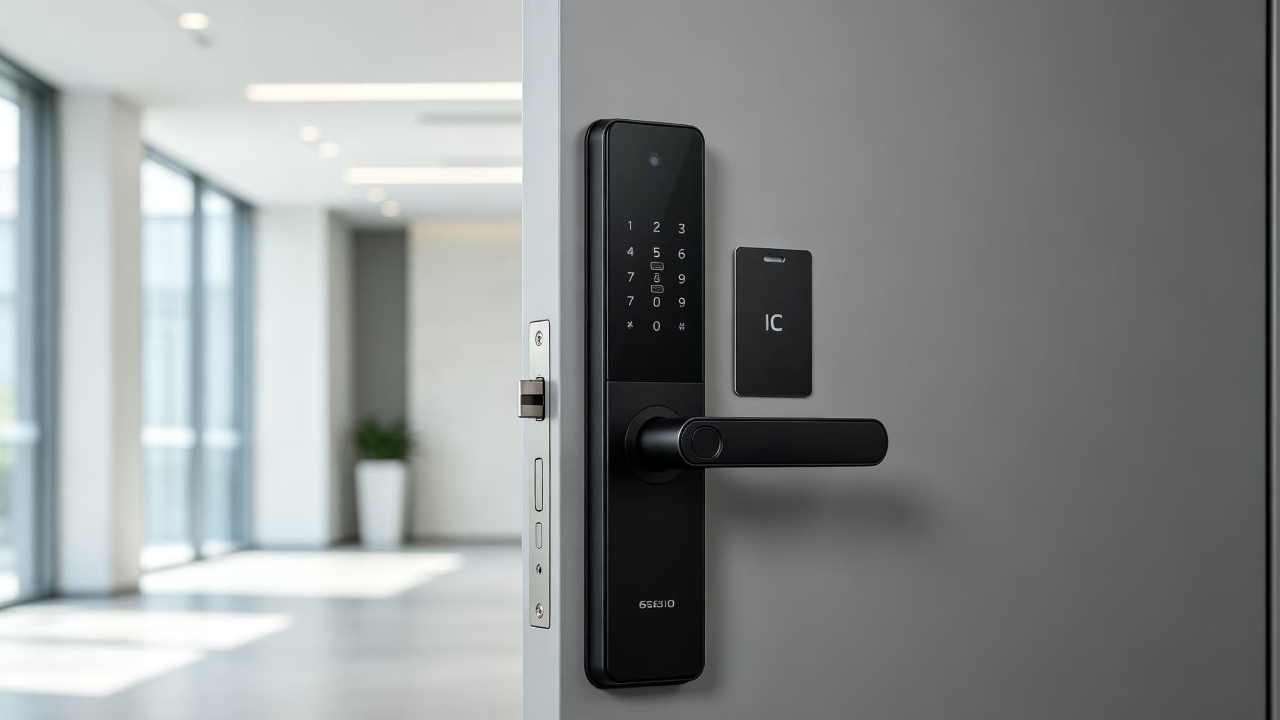
You have probably used this kind of card before at a hotel or an office building. Just tap it against
the panel and the door opens. It is clean, fast, and easy to hand out to staff or residents. If
someone loses their card, you deactivate it and issue a new one. No drama.
4.Emergency Mechanical Key – Your Last Resort Backup
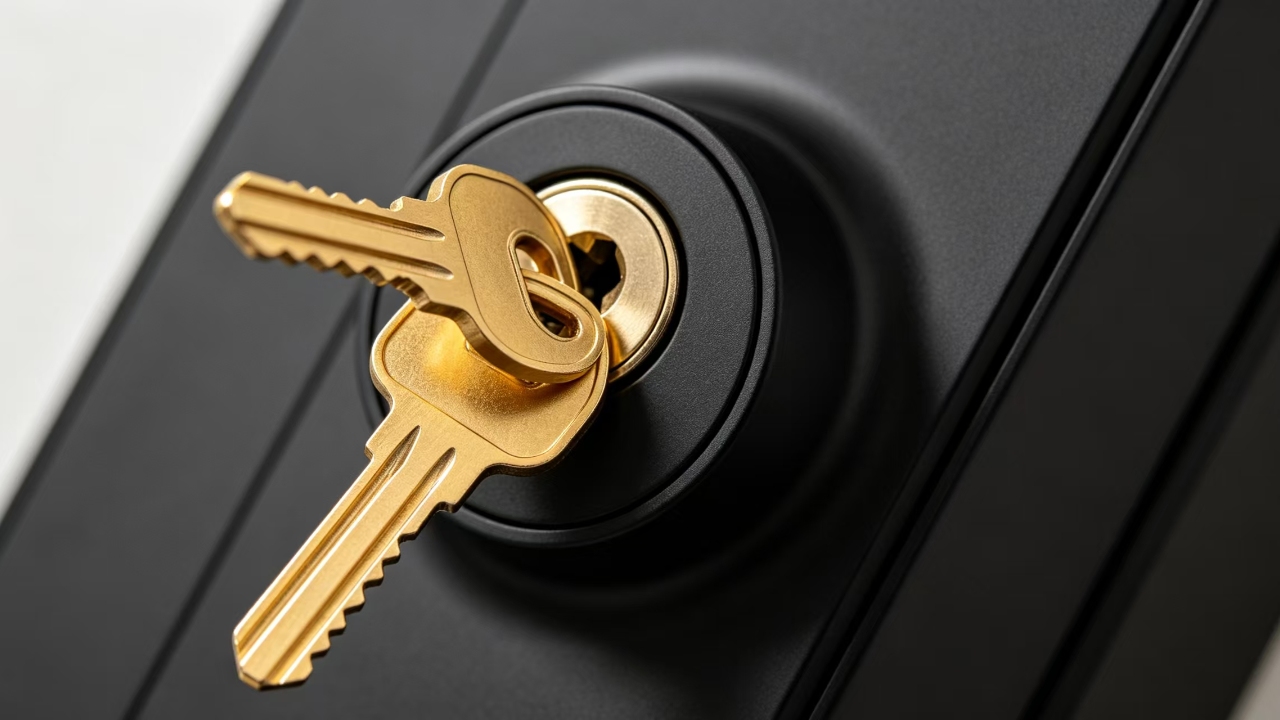
Two brass keys come in the box. These are purely for emergencies, such as when the battery
completely dies and you cannot find a phone charger. Keep them somewhere safe, but not next
to the door. You will hopefully never need them, but you will be very glad they are available if you
5.BLE Bluetooth – Open with Your Phone
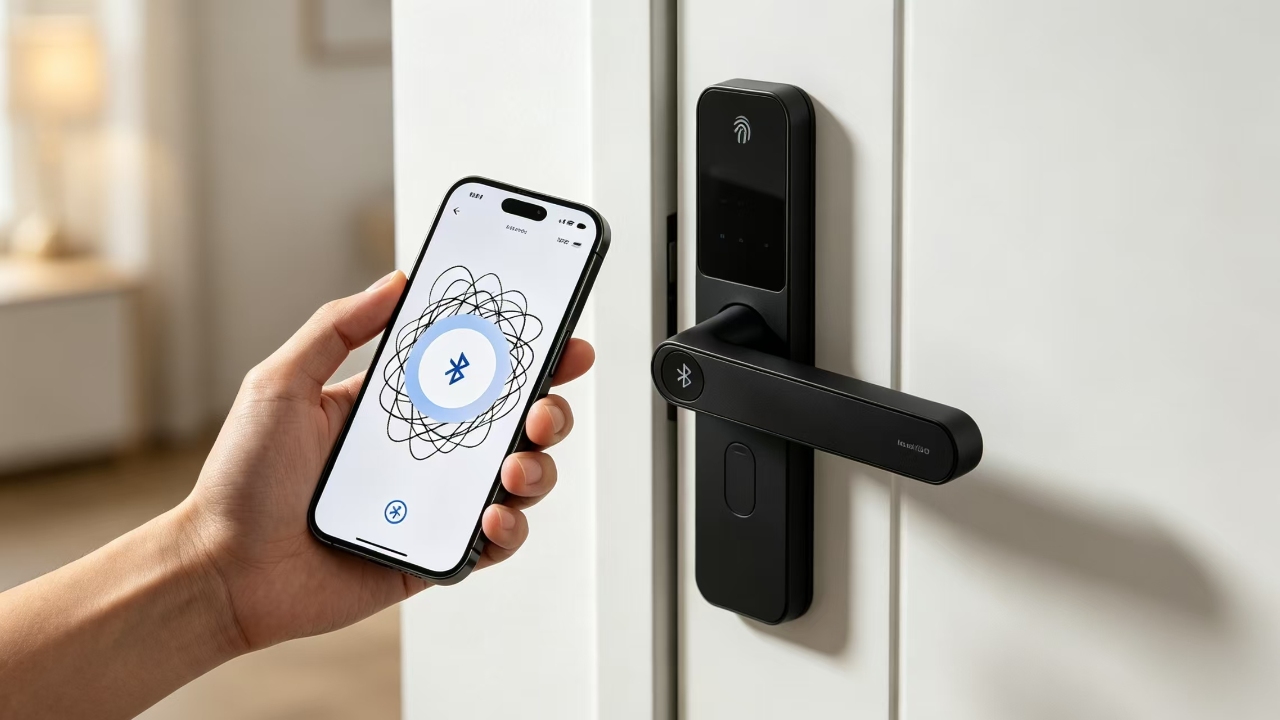
The BLE connection lets you use your smartphone as a key. Open the app, tap unlock and you’re
done. You can also share temporary digital keys with guests or family members through the app,
so no physical key is needed. Bluetooth range is sufficient to detect your phone as you approach,
allowing the door to start preparing to unlock before you even reach it.
6.WiFi Remote Control via Tuya – Manage from Anywhere
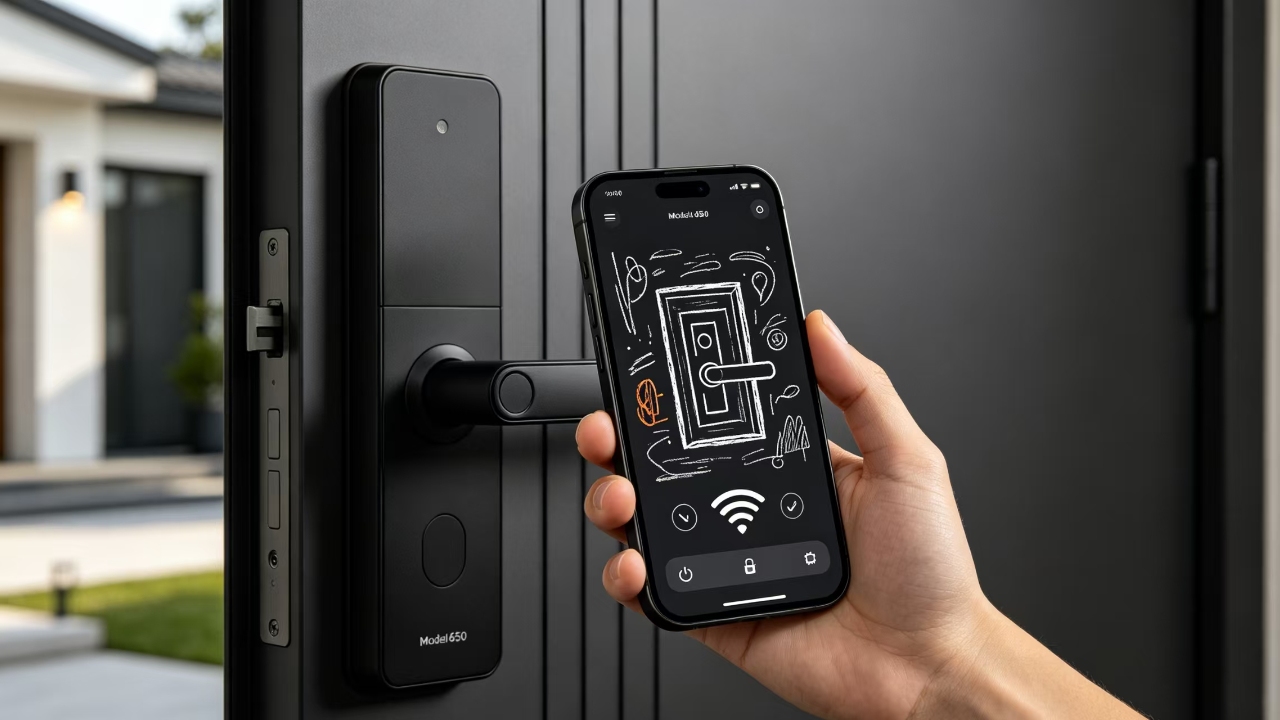
This one is optional, but honestly worth it. With the Tuya WiFi module installed, you can lock and
unlock your door from anywhere in the world. Forgot to lock up before leaving? Open your phone and lock it from your car. Waiting for a delivery? Unlock the door remotely and lock it again once
they leave.
Tuya also works with Google Home and Amazon Alexa, so you can drop this smart lock for home
right into your existing smart home setup.
Battery Life and the Type-C Backup – A Real Problem Solver
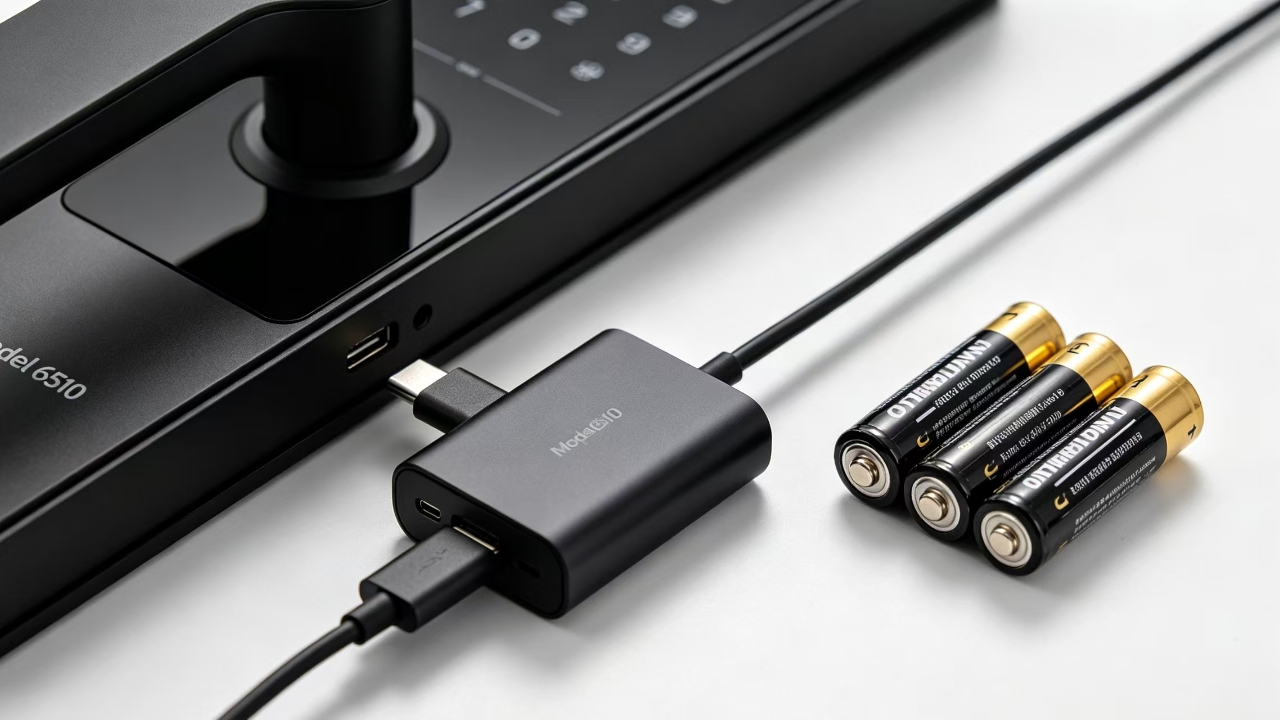
Four AA batteries power this lock. Under normal use, such as unlocking the door six to ten times
a day, you can expect the batteries to last several months. When the voltage drops to 4.6V, the
lock provides a low battery warning so you are not caught off guard.
But here is the part I really appreciate. If you do run the batteries all the way down, there is a
Type-C port on the front panel. Plug in any standard phone charger or power bank, wait a few
seconds, and you can use your fingerprint or password to get in. Then go inside and change the
batteries. No locksmith. No emergency. No stress.
This is such a practical feature that I am honestly surprised more smart locks do not have it. It
saves you from the one nightmare scenario that puts people off digital locks: being locked out
because the battery died.
Mechanism Options: Choose What Fits Your Door
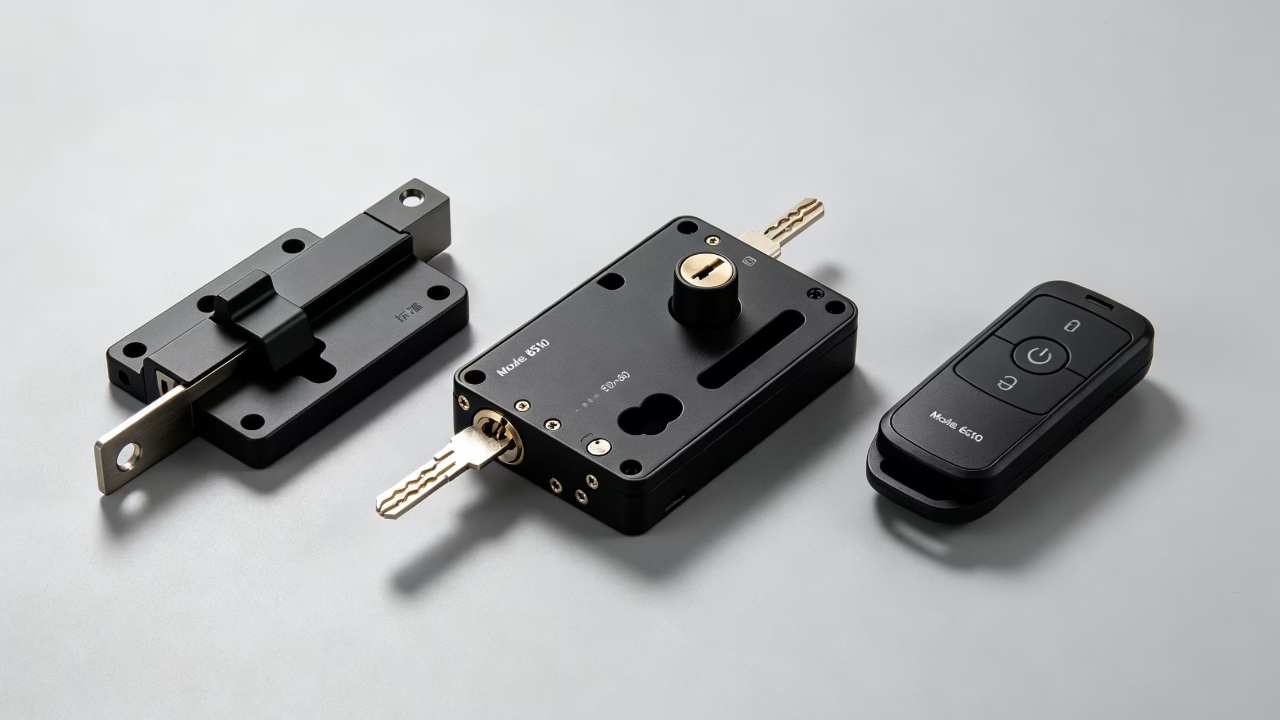
The Model 6510 comes in three mechanism setups. This matters because different doors need
different latch types, and getting this right makes a big difference to how secure and smooth the
lock feels in daily use.
Standard Mechanism
Works great for most homes and light commercial doors. Simple to install, no extra hardware
needed and fully compatible with all six access methods.
Mortise Lock (50×50 or 60×85 Latch)
For higher-security needs, such as a main entrance to an office building, a hospital ward, or a
premium residence, the mortise option provides a deeper and stronger bolt embedded inside the
door. The 50×50 and 60×85 latch options allow you to match the lock to your exact door setup.
Remote Control Module (Optional)
This is a customization option that adds a small wireless remote to the package, similar to the
one you use for your car. It is especially helpful for elderly users or anyone with mobility
challenges. You press a button on the remote and the door opens. Simple as that.
Where Does This Smart Lock Work Best?
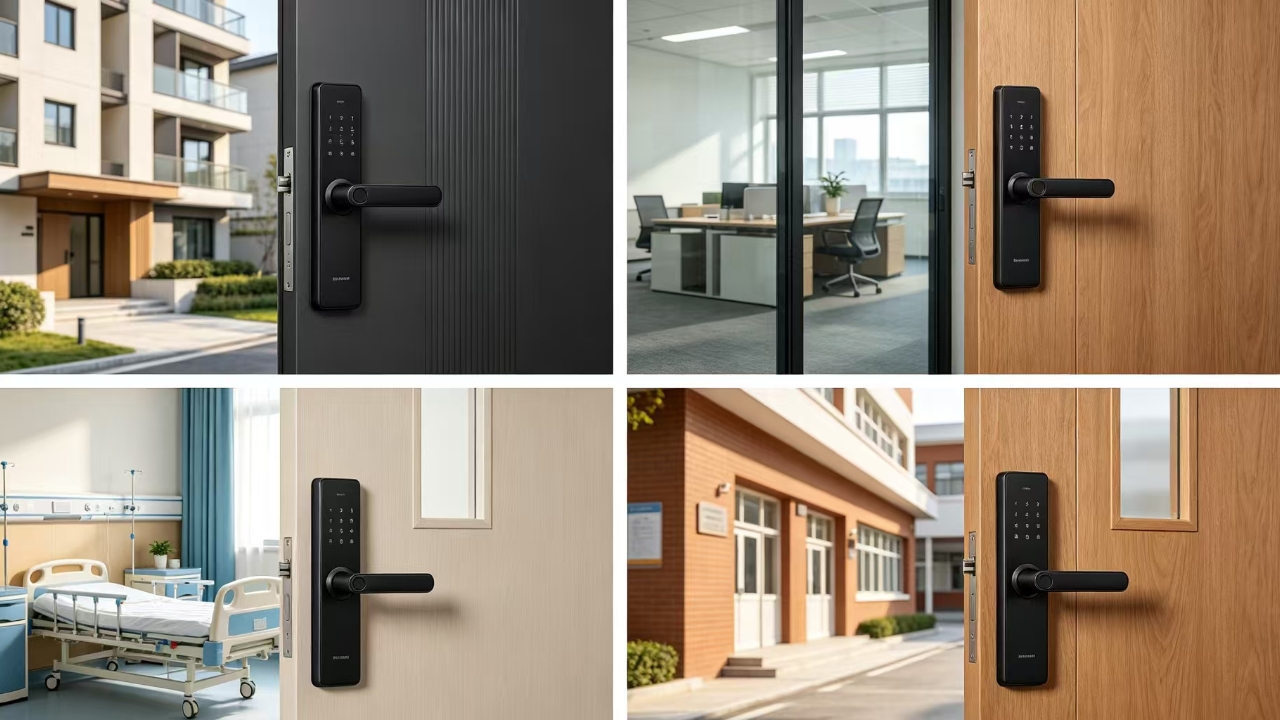
The manufacturer lists this as suitable for entrance doors in condos, residences, offices, hospitals,
and schools. Having looked at the features, I agree. Here is my honest take on where it shines:
- Home and apartment: Perfect. Fingerprint for daily family use, WiFi for remote control,
IC card for housekeepers or regular visitors.
- Office buildings: Great. 300 password slots plus IC cards means you can handle a big
team without running out of user space.
- Condominiums: Excellent choice. The property manager keeps the master code.
Tenants get their own codes. Old codes get deleted when tenants leave.
- Hospitals and schools: Solid fit. IC card access is clean, quick, and easy to manage for
staff. Fingerprint adds another layer where needed.
- Rental properties: One of the best uses. Issue temporary codes for short-stay guests,
delete them remotely when they check out. No key handovers needed.
Before You Buy: Quick Installation Notes
Check Your Door Thickness First
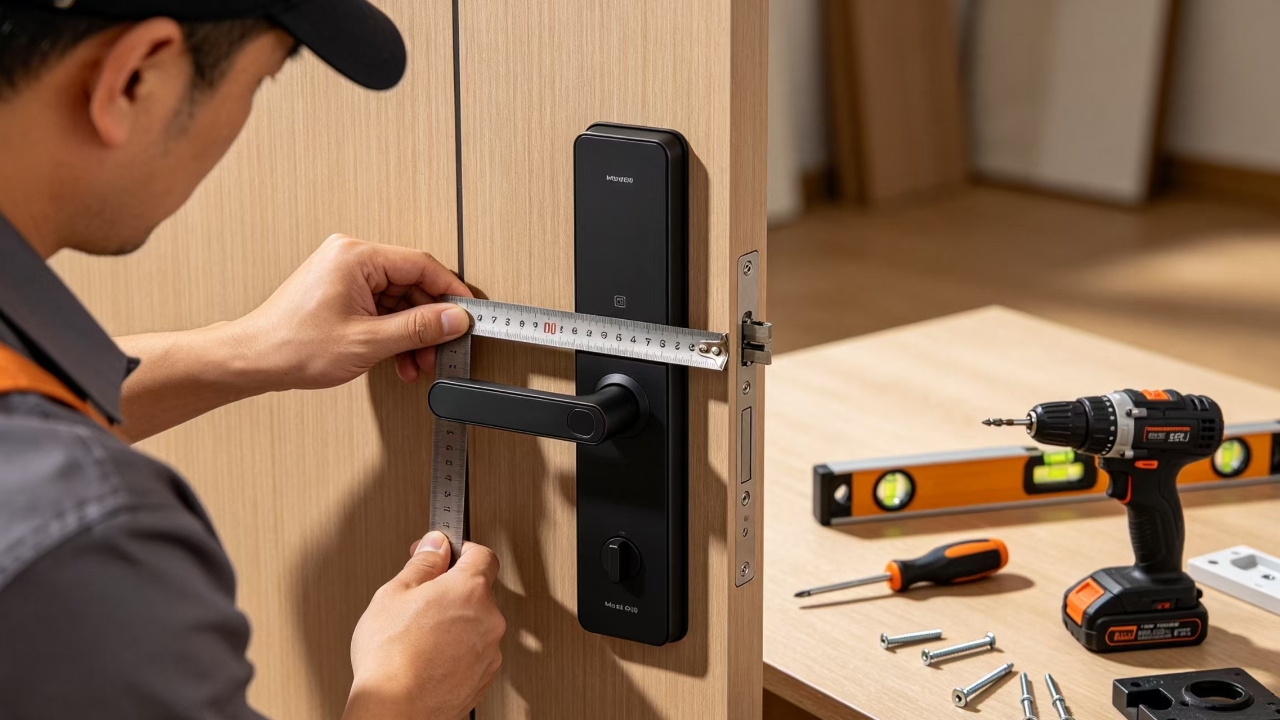
The lock fits doors between 35 mm and 55 mm thick. If your door is outside that range, you can
request a custom configuration. Make sure to measure before you order to save time.
Get It Installed by a Professional
If you are handy with tools you can probably do this yourself, but I recommend getting a
professional to do the initial installation. A properly aligned lock feels smoother, lasts longer, and
gives you peace of mind that the latch sits perfectly. The whole job takes about an hour.
FAQ’s
Q1. What if the battery dies completely and I am stuck outside?
It will not happen suddenly. The lock warns you when the battery is getting low at 4.6V, which
gives you plenty of time to replace it. But even if the battery does die before you get to it, just hold
any USB-C power bank against the port on the front of the lock.
Q2. Can this lock handle outdoor weather? What about heavy rain or extreme heat?
It handles temperatures from -20°C to 66°C and humidity up to 95%, so it covers most weather
conditions well.
Q3. How do I add or remove a user’s fingerprint or password?
You use your master password to enter the admin settings directly on the keypad. From there,
adding a fingerprint takes about 30 seconds. You scan the same finger a few times until it
registers. Deleting a user is even faster. You do not need an app or a computer to do any of this.
Q4. Does the WiFi version work with Google Home or Alexa?
Yes. The WiFi module uses the Tuya smart home platform, which connects to both Google Home
and Amazon Alexa. Once it is set up, you can lock or unlock the door with a voice command.
Q5. Can someone trick the fingerprint sensor with a fake finger or a photo?
The sensor is capacitive, not optical. That means it reads the electrical pattern from a live human
finger, not just an image of it. A printed photo or a basic silicone mold will not fool it.
Final Thoughts
After going through every feature, every specification, and every real-world use case, my answer
is straightforward: yes, the Model 6510 is worth it.
It gives you six ways to unlock your door, a fast and reliable fingerprint sensor, a smart lock for
home that connects to your WiFi and phone, and the peace of mind that comes with a solid steel
build and a Type-C emergency backup. The three premium finishes mean it looks good on any
door, not just modern ones.
If you are searching for the best smart lock for apartment buildings, offices, hospitals, or your own
home, this one belongs at the top of your shortlist. It does not cut corners where it matters, and it
covers every practical scenario you are likely to face in real life.